How UAE bank app approval works at checkout
With SMS codes being retired, paying online or logging in at a UAE bank now typically means approving the action in your banking app. The method turns your registered phone, the app, a PIN and your face or fingerprint into the key, which makes life harder for fraudsters who rely on stolen text-message codes.
The checkout flow
- You pay on a merchant’s website.
- A notification arrives on the phone registered with your bank.
- You open the app and review the transaction details.
- You approve it with a biometric check, such as facial recognition or a fingerprint, and your in-app PIN.
- You return to the merchant’s site to finish the payment.
Because the process needs your registered device and the banking app present in the authentication chain, a code intercepted elsewhere is not enough on its own.
Why you still get texts
A text message still arrives after a successful login or requested transaction. These are alerts, not approval codes. They give you a chance to review the activity and approve or reject it from within the app. The Central Bank requires licensed institutions to keep customers informed of account movements by text or email as they happen, while details remain available through phone and internet banking.
The fraud it targets
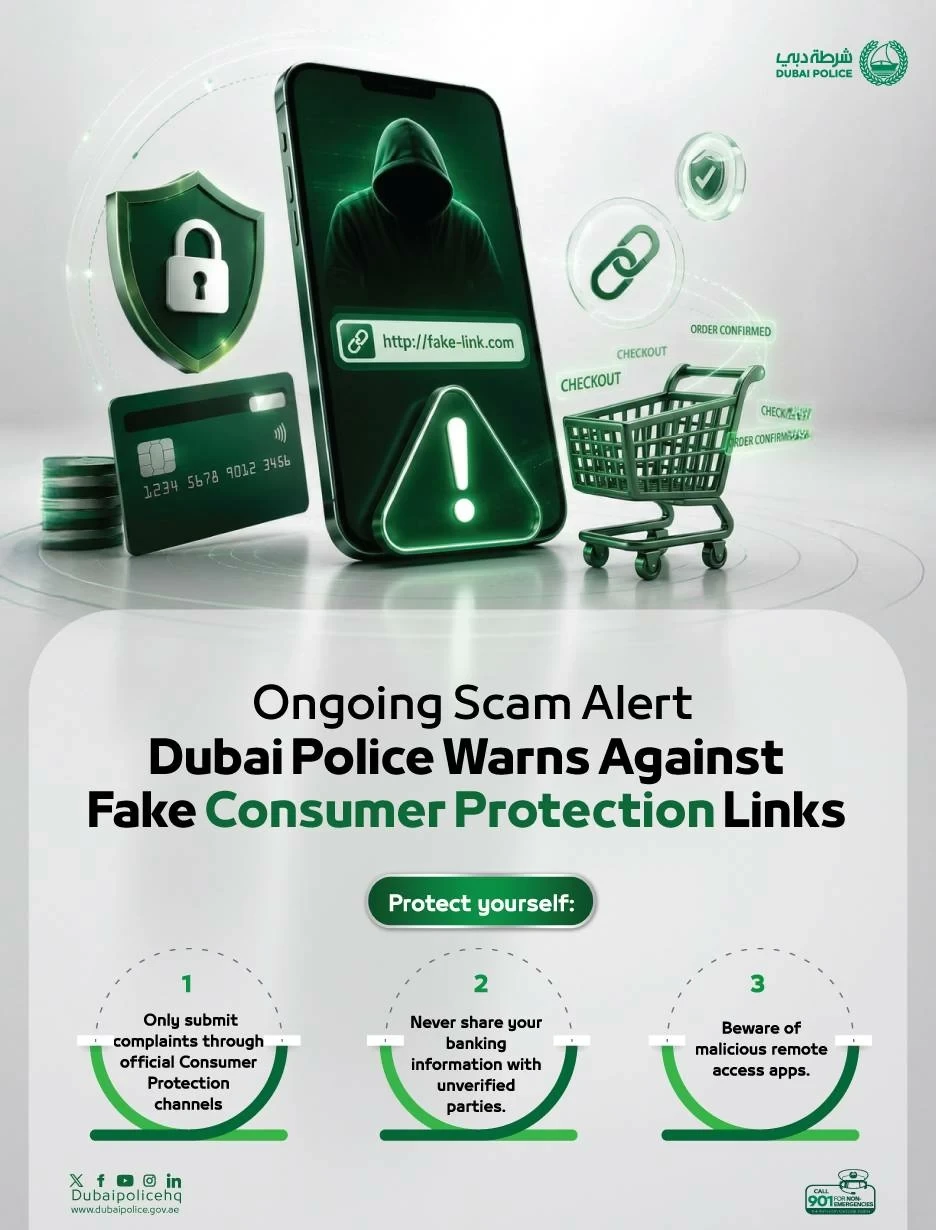
The layered approach is aimed at SIM card swapping, phishing, social engineering and intercepted verification codes. Central Bank guidance on fraud also points to capabilities such as detecting active calls and screen sharing, which scammers use to coach victims through approvals.
Which attack each layer blocks
| Layer | What it adds | Fraud it targets |
|---|---|---|
| Registered device | The approval request goes to your own phone and app | SIM card swapping |
| Biometric check and in-app PIN | A stolen code or password is not enough | Phishing and intercepted codes |
| Transaction details on screen | You see what you are approving | Social engineering |
| Call and screen-sharing detection | Flags approvals made while someone coaches you | Scam calls that walk you through the app |
What to do in common situations
| What happens | What to do |
|---|---|
| An approval request appears and you did not start a payment | Decline it, then tell your bank |
| Someone on a call tells you to approve a prompt | Hang up and call your bank on the number in the app |
| You get a text alert for a transaction you do not recognise | Open the app, reject the activity and contact your bank |
| No notification arrives at checkout | Check your data connection, update the app, then retry from the merchant page |
Only approve a request you started yourself, and never share app PINs or approve a prompt while someone on a call tells you to. For the rollout timeline and how to enable the feature, read our guide on the end of SMS OTPs at UAE banks. If money has already moved, see how to get your money back after a UAE bank scam.
Frequently asked questions
Can a fraudster approve a payment with my SMS code?
Not on its own. In-app approval needs your registered device, the banking app and your biometric check and PIN.
Do I need data or Wi-Fi to approve?
The app needs a connection to receive and confirm the request, so check your signal if a notification does not arrive.
Where to go next
Related guides
- Fake Supplier Bank Detail Emails: How UAE Finance Teams Can Avoid Payment Fraud
- UAE Base Rate 3.9%: What It Means for Mortgages, Loans and Savings
- Click and Travel: What to Expect When an Officer Clears You With a Handheld Device
- UAE School Fee Instalment Plans: Compare Bank Costs Before You Convert
- Pay Dubai Traffic Fines in Instalments