Spot UAE Fake Shops and Scam Sites Instantly with the Free StaySafe Tool
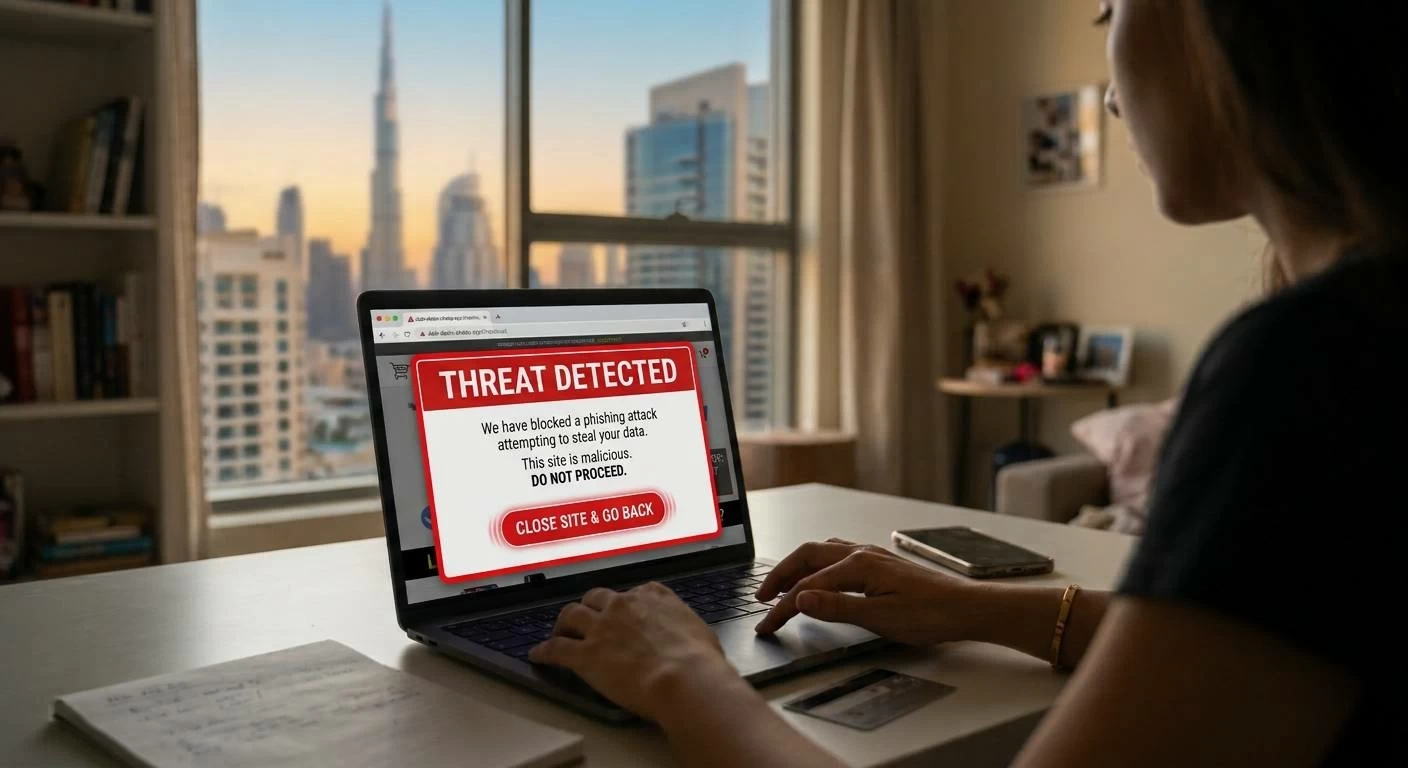
Buying concert tickets, booking flight deals, or shopping on unfamiliar web stores carries real financial risks if the domain is counterfeit. To combat phishing networks and deceptive retail platforms, the UAE Cyber Security Council has introduced StaySafe, a free web verification tool created alongside etisalat and the Global Anti-Scam Alliance.
The system analyzes submitted web links against multiple threat detection databases to evaluate malware risks, active phishing records, and operational history. Users receive an immediate reliability rating alongside specific background checks on the domain.
How the Reliability Rating Works
Pasting a web address into the platform generates a score based on a four-tier visual indicator:
- Dark Green: Confirms the website is classified as reliable.
- Light Green and Yellow: Signals intermediate caution levels, requiring further verification.
- Red: Marks the address as having a high risk of potential fraud.
Manual Red Flags to Inspect Before Paying
To help online shoppers identify deceptive sites that might evade initial database sweeps, the Cyber Security Council highlighted critical signs of commercial fraud:
- Unusual Price Drops: Compare advertised prices against established, trusted retailers selling the same item. Heavy price gaps usually indicate a scam.
- Broken Social Media Links: Deceptive websites often display social media icons in their page layout that do not link anywhere or direct to empty accounts filled with customer complaints.
- Flawed Fine Print: Fraudulent sites frequently rely on placeholder text or poorly written content on standard pages such as ‘About Us’, ‘Terms & Conditions’, ‘Shipping Policy’, and ‘Return Policy’.
- Misused Brand Names: Scam web addresses frequently merge premium brand names with keywords like ‘discounted’, ‘cheap’, ‘sale’, or ‘free’. Genuine single-brand outlets rarely offer extreme markdowns, and official sites maintain high-resolution branding rather than distorted logos.
- Fake Trustmarks: Security and privacy seals displayed on a website should be functional. Legitimate trustmarks direct you to an independent verification page when clicked, whereas scam sites often display them as unclickable images.
Step-by-Step Website Check
- Visit the portal at staysafe.csc.gov.ae/en.
- Paste the full URL of the website into the designated search bar.
- Review the color indicator, domain creation date, local authority registration details, and past phishing report logs before submitting payment details or sensitive personal data.