(Credit - Emirates 24|7)
How to Track Your Emirates ID Application Online
You can follow a new or renewed Emirates ID application from your phone. The check is free on the ICP smart services portal and in the UAEICP app.
What you need
The key number is your PRAN, the application number printed on your receipt and sent to you by SMS. Your 15-digit Emirates ID number, which starts with 784, lets you check an existing card.
How to check
- Open the ICP portal or the UAEICP app.
- Go to ID Card Services, then Application Status (also labelled Card Status).
- Enter your PRAN and read the status.
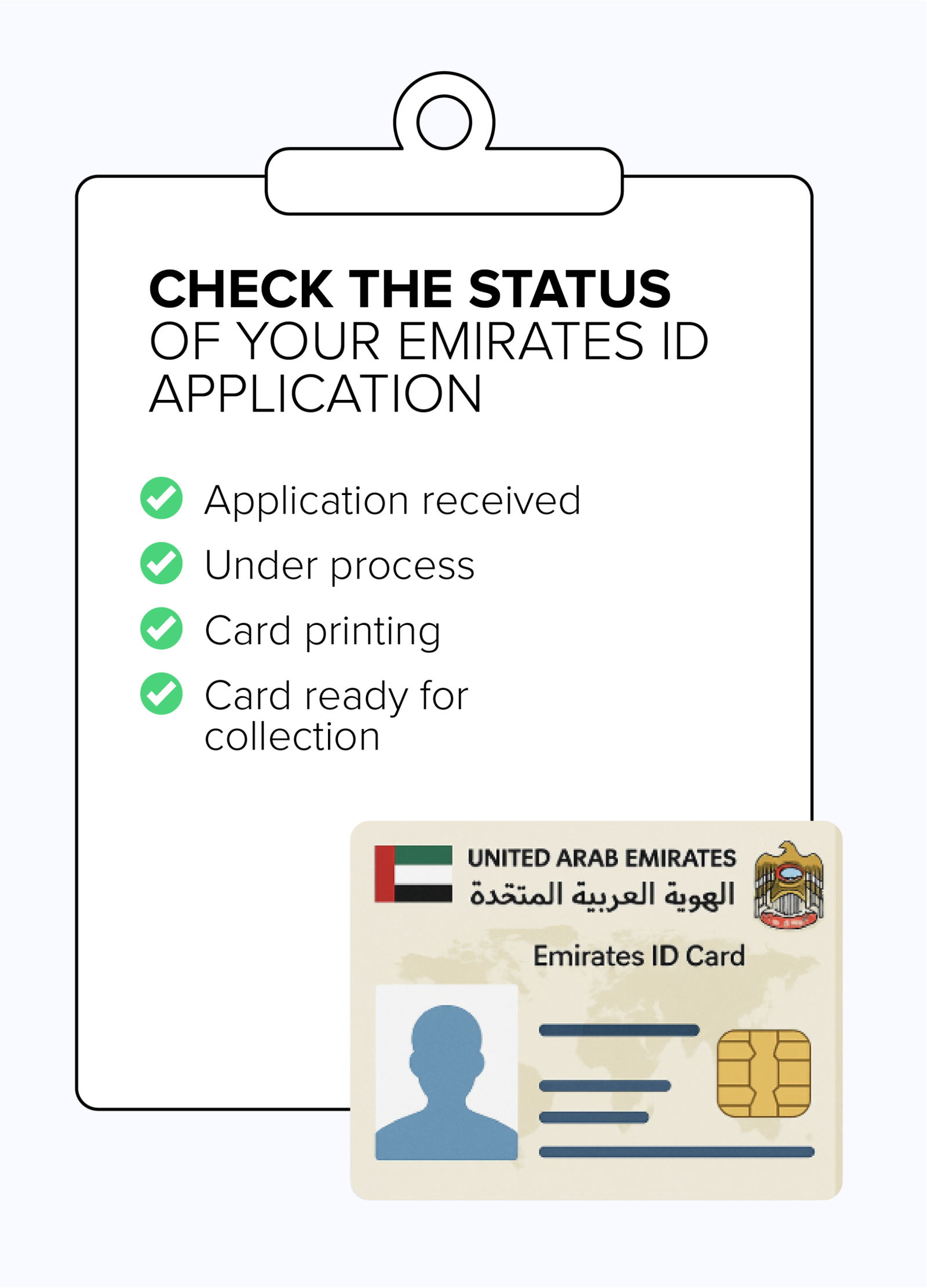
What each status means
| Status | What it means |
|---|---|
| Application under process | ICP is reviewing your application and biometrics |
| Under printing | Approved and queued for printing |
| Card printed | Produced and handed to Emirates Post |
| Dispatched or delivered | On its way to you, or ready for collection |
Once the card is dispatched you receive an SMS with a consignment number to track it on the Emirates Post website. If two delivery attempts fail, the card is usually held at the nearest post office, so take your passport to collect it. If your status stalls or the PRAN is not recognised, call the ICP call centre on 600 522222.
Still to apply? Our Emirates ID renewal guide covers the steps, and the lost card guide covers replacements.