WhatsApp Strict Account Settings: stop unknown files and calls
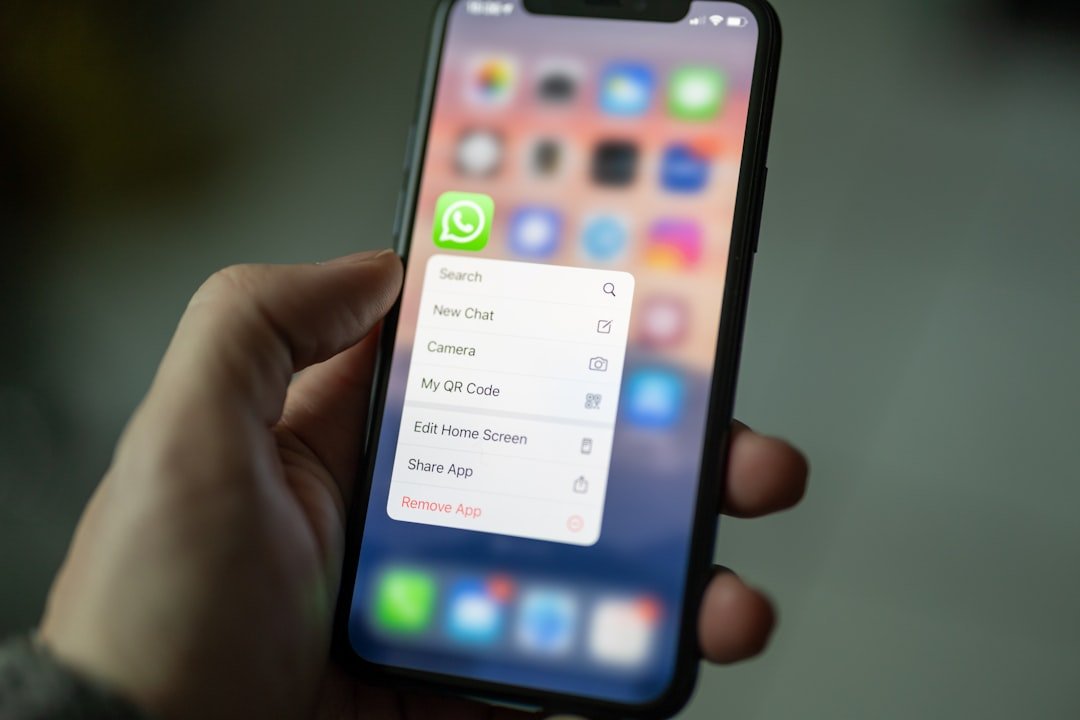
WhatsApp offers an optional feature called Strict Account Settings, launched in January 2026, to shield users from targeted cyberattacks, account hijacking and stealth spyware. When switched on, it takes a lockdown approach to untrusted communication. You turn it on yourself under Settings, Privacy, Advanced.
What it changes
| Setting | With Strict Account Settings on |
|---|---|
| Media and attachments from unknown senders | Blocked |
| Calls from numbers you have not saved | Silenced |
| Other settings that could limit how the app works | Tightened, as part of a lockdown-style mode |
Cybercriminals use messaging apps to distribute malicious links and files, scrape data and take over accounts. Stopping media from people outside your contact list cuts off a common route for installing spyware. The trade-off is that non-contacts cannot freely send you files.
Should you turn it on?
| If you… | Consider |
|---|---|
| Are a journalist, public figure or likely target of tailored attacks | Turning it on. Meta says the feature is meant mainly for people who may face rare but sophisticated attacks. |
| Regularly receive files or calls from clients or strangers you have not saved | Saving their numbers first, or leaving it off, since the setting blocks their media and silences their calls |
| Are an ordinary user who mostly talks to saved contacts | Turning it on. Mass messages with bad attachments are a common way to breach accounts. |
How to turn it on
- Open WhatsApp and go to Settings > Privacy > Advanced.
- Switch on Strict Account Settings.
- Turn on two-step verification in your account settings for extra login protection.
- Never share your PIN or one-time registration codes with anyone.
Frequently asked questions
Will I miss calls from a courier or a new client?
Calls from numbers you have not saved are silenced, so you may need to check your call list or save the number first.
Does it replace two-step verification?
No. Use both. Two-step verification protects your login, while Strict Account Settings limits what strangers can send you.
Where to go next
For other common scams to watch for, see our guide to fake apps in the UAE and the wider cybersecurity in the UAE coverage.
Related: how to follow and verify the Dubai Government Media Office WhatsApp channel.
If you are also weighing the new handle option, see our guide to the WhatsApp username feature.
Related guides
- WhatsApp Username Feature: How to Reserve Yours and Stay Safe
- UAE Online Scam Safety: Stop, Verify, Act and Where to Report
- Dubai Home Security Cameras: SIRA Rules and Cyber Safety Tips
- Fake Customs Hold Notices in the UAE: How to Spot the Abu Dhabi Customs Scam
- Shoulder Surfing, Tailgating and Unlocked Screens: Three Workplace Cyber Habits to Fix